
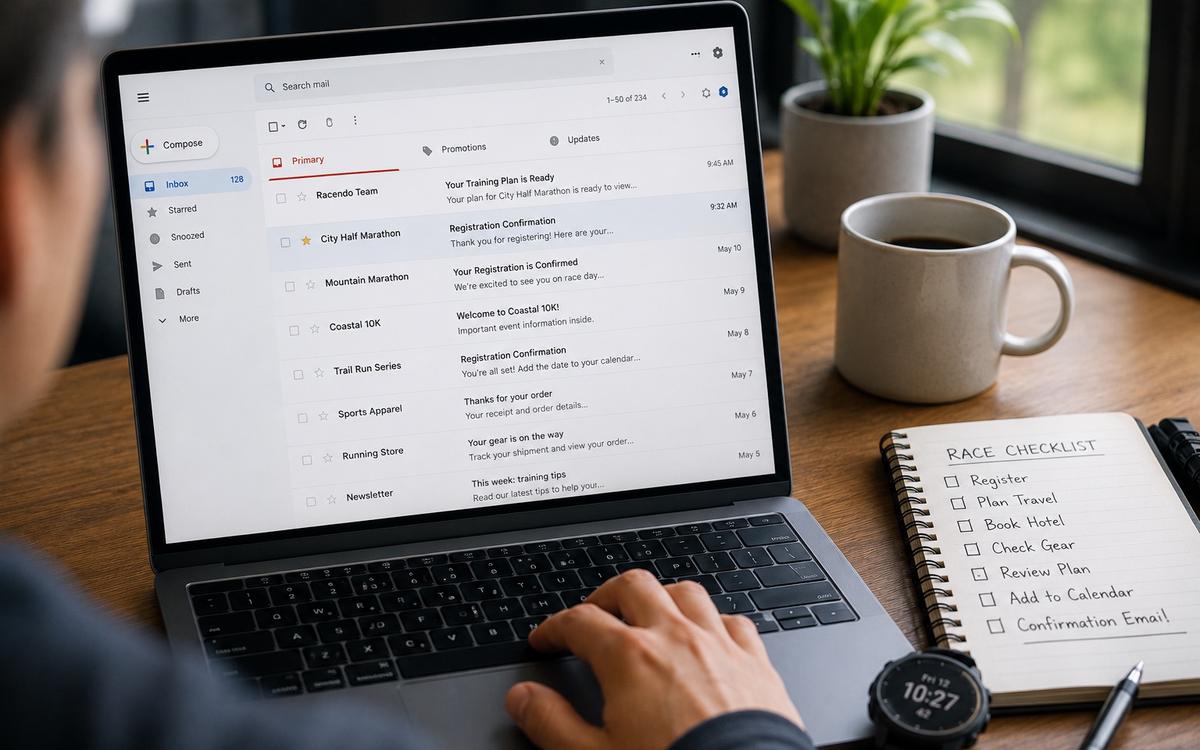
A race confirmation email looks simple.
You sign up for a race. The payment goes through. A message lands in your inbox. You glance at it, feel excited for a moment and move on.
Then weeks or months pass.
Race week arrives, and suddenly that email matters again.
Where is the bib pickup QR code?
What was the start time?
Which wave are you in?
Did the race require ID?
Was there a link to the race guide?
Is the registration number in the confirmation email or in a separate app?
Did the organizer send parking details later?
What happens if someone else collects the bib?
The email that once felt like a receipt can become one of the most important race documents you have.
That's why race confirmation emails should not stay buried in your inbox.
A confirmation email is not just proof of payment
Most runners think of a race confirmation email as a payment receipt.
It often is, but it's usually more than that.
A race confirmation email may include details that are useful on race day, during race week or even months before the event.
It can include:
- Race name
- Race date
- Race distance
- Registration number
- Participant name
- Payment confirmation
- Start time
- Start wave
- Bib pickup instructions
- QR code or barcode
- Race guide link
- Course map link
- Expo details
- Bag drop rules
- Medical certificate requirements
- Emergency contact information
- Transfer or cancellation rules
Some races include everything in one email.
Others send several emails over time.
That's where the problem begins.
Important race information is often spread across multiple messages, attachments and links. If it stays inside the inbox, it's easy to forget, miss or lose.
Why inbox search is not a race plan
Email search feels reliable until you need it quickly.
Search works well when you're calm, connected and sitting at a desk. It's less helpful when you're standing outside a race expo, holding a bag, trying to find a QR code, with a low phone battery and a line of runners behind you.
The inbox is not designed around race preparation.
It's designed around messages.
That means race information gets mixed with newsletters, receipts, work emails, app notifications, travel updates, marketing emails and old conversations.
Even if the information is there, it may not be easy to find when it matters.
Common problems include:
- The race email uses a different sender name than expected
- The confirmation is in another language
- The QR code is inside an attachment
- The bib pickup email arrived weeks after registration
- The race guide link is in a later update email
- The subject line does not include the race name
- The email is in a promotions folder
- The runner used a different email address to register
- The race app requires login at the worst possible moment
A race plan should not depend on remembering exactly which email to search for.
What to do when you receive a race confirmation email
The best time to organize a race confirmation email is the moment it arrives.
That does not mean doing a full race plan immediately. It simply means capturing the important information before it gets buried.
When a confirmation email arrives, check these details:
- Race name
- Race date
- Distance
- Registration number
- Bib pickup method
- QR code or barcode
- Start time
- Start wave or corral
- Race guide link
- Course map
- Refund or transfer deadline
- Travel or accommodation deadline
- Required documents
- Contact email for the organizer
If the race is months away, not every detail will be available yet. That's fine.
Save what exists now and add the rest later.
The important habit is to move race information from passive storage into active planning.
Save the details that will matter later
Not every line in a confirmation email matters.
Some details are useful now. Some will matter closer to race day. Some are only needed if something goes wrong.
The most important information to save usually falls into five areas.
- Registration details
Registration details prove that you're signed up and help you identify yourself to the organizer.
Save:
- Registration number
- Order number
- Participant name
- Race distance
- Team or charity name if relevant
- Payment confirmation
- Email address used for registration
This is useful if you contact support, change distance, transfer entry or collect your bib.
- Bib pickup information
Bib pickup can be simple, but it can also become a race-week problem if details are missed.
Save:
- Pickup location
- Pickup dates
- Pickup opening hours
- Required ID
- QR code or barcode
- Whether someone else can collect the bib
- Last pickup deadline
- Expo address
- Race-day pickup rules if available
For destination races, bib pickup can affect travel plans. If pickup closes before you arrive, that's a serious issue.
- Race-day timing
Race timing is not always as simple as the official start time.
Save:
- Official start time
- Personal start wave
- Corral or pen
- Recommended arrival time
- Bag drop closing time
- Start area opening time
- Cut-off time
- Public transport timing
Large races often involve waves, start groups and long walks inside the start area. A runner who knows only the headline start time may still be missing the timing that matters.
- Course and logistics
Course and logistics details help you understand how the day will work.
Save:
- Course map
- Start area map
- Finish area map
- Aid station overview
- Bag drop map
- Toilet locations
- Road closure information
- Public transport advice
- Parking details
- Post-race area map
These details can change, so it's worth checking again during race week.
But saving the first version gives you a place to start.
- Rules and requirements
Some races have specific rules that can affect the plan.
Save:
- Headphone rules
- Bag size limits
- Mandatory kit
- Hydration vest rules
- Medical certificate requirements
- ID requirements
- Transfer policy
- Cancellation policy
- Cut-off rules
- Pacers or timing rules
This is especially important for trail races, international races, charity entries and races with strict entry requirements.
Take screenshots of the most important items
Links are useful. Screenshots are safer.
A link can fail because of poor signal, app issues, login problems or a busy race website. A screenshot is immediately available.
Screenshot:
- Bib pickup QR code
- Registration number
- Start wave
- Start time
- Pickup location
- Transport route
- Start area map
- Bag drop information
- Hotel address
- Post-race meeting point
Store these screenshots in a folder or album that is easy to find.
Do not leave them scattered among normal photos.
If you're traveling, it's also useful to save key documents as PDFs where possible.
Do not rely on the race website alone
Race websites are useful, but they should not be the only source of truth on race day.
Websites can be slow. Pages can move. Links can expire. Event apps can require updates. Some information may only be available behind a login.
Before race day, save the parts that matter.
Useful pages to save or screenshot:
- Race guide
- Start area instructions
- Expo opening hours
- Bag drop rules
- Aid station overview
- Transport instructions
- Course map
- Emergency information
- Weather or safety updates
This does not mean ignoring the official website. It means not depending on it at the exact moment you need the information.
Create a race document folder
One of the easiest ways to stay organized is to create one folder per race.
That folder can be digital, inside a planning app or simply a local folder on your phone.
It should contain the key documents for that specific race.
A useful race folder includes:
- Race confirmation
- QR code or barcode
- Registration number
- Race guide
- Course map
- Start area map
- Transport details
- Hotel booking
- Travel tickets
- Fueling plan
- Race plan
- Emergency contact information
- Post-race meeting point
The goal is not to collect documents for the sake of collecting them.
The goal is to make sure that when race week arrives, you already know where everything is.
Watch for follow-up emails
The first confirmation email is rarely the only important message.
Race organizers often send updates closer to the event.
These may include:
- Final instructions
- Wave assignments
- Bib numbers
- Expo changes
- Weather-related advice
- Course updates
- Start area changes
- Public transport changes
- Bag drop instructions
- Safety notices
- Race app links
- Tracking links
Do not assume the original confirmation email has everything.
During the final weeks, check for follow-up messages and add the important details to the race folder.
A simple habit helps:
- Open the race email
- Identify anything practical
- Save or screenshot the useful part
- Add it to the race plan
- Delete or ignore the rest if it's not needed
This keeps the race plan updated without creating inbox clutter.
What if you register through a platform?
Many races use registration platforms instead of sending everything from the organizer's own email address.
That means the confirmation may come from a ticketing platform, timing provider, event marketplace or payment processor.
The sender name may not match the race name.
This can make the email harder to find later.
If you register through a platform, save:
- Platform name
- Account email used
- Order ID
- Race name
- Registration page link
- Confirmation PDF if available
- QR code or ticket
- Support contact
It's also worth checking whether the platform has an app. But again, do not rely only on app access.
Save the important details outside the platform too.
What if someone else registered you?
Sometimes a club, charity, company, friend or family member handles the registration.
That can be convenient, but it creates a risk.
The confirmation email may not be in your own inbox.
Before race week, ask for the details.
Make sure you have:
- Registration confirmation
- Your participant name
- Bib pickup requirements
- QR code if needed
- ID requirements
- Start wave
- Race guide
- Contact person
Do this early.
It's much easier to collect information two weeks before the race than the evening before bib pickup.
Race emails and travel bookings should connect
Race confirmation emails are only one part of the race weekend.
If travel is involved, the race details should connect with transport and accommodation.
A destination race folder should include:
- Race confirmation
- Flight or train tickets
- Hotel booking
- Local transport plan
- Expo location
- Start area route
- Finish area route
- Restaurant booking if needed
- Insurance details
- Emergency contact
- Passport or ID details if traveling internationally
This helps avoid a common problem: the race is planned in one place, while the travel is planned somewhere else.
The two need to work together.
If bib pickup closes at 18:00, arrival time matters.
If the race starts at 07:30, hotel location matters.
If the finish is far from the start, post-race transport matters.
A race confirmation email becomes more useful when it's connected to the full weekend.
Check the details again during race week
Saving the confirmation email is not enough.
Race details can change.
During race week, review the official information again.
Check:
- Start time
- Start wave
- Bib pickup details
- Transport changes
- Weather notices
- Bag drop rules
- Road closures
- Race guide updates
- Course changes
- Aid station information
If something changed, update your saved information.
The goal is to avoid using an old screenshot if the organizer has changed an important detail.
Offline preparation works best when the saved information is current.
Keep the race plan short enough to use
It's possible to save too much.
A huge folder full of documents can become its own problem if it's hard to find the important items.
Keep a short race summary at the top.
It should include:
- Race date
- Start time
- Start wave
- Arrival time
- Bib pickup location
- Registration number
- Race goal
- Fueling plan
- Transport plan
- Emergency contact
- Post-race meeting point
This summary is what you'll use most.
The longer documents are there if needed.
Think of the summary as the quick answer sheet.
A simple race email checklist
When a race confirmation email arrives, use this checklist.
Save immediately:
- Registration number
- QR code or barcode
- Race date
- Race distance
- Start time
- Bib pickup details
- Race guide link
- Course map link
- Organizer contact
Add when available:
- Start wave
- Bib number
- Bag drop information
- Aid station details
- Transport information
- Tracking link
- Final race instructions
Save offline before race day:
- QR code
- Registration number
- Start area map
- Transport route
- Race guide
- Race plan
- Post-race meeting point
- Emergency contact
This turns the confirmation email into something useful.
Not just proof that you entered.
A practical part of your race preparation.
Final thought
A race confirmation email is easy to underestimate.
It arrives early, then disappears into the inbox. But when race week comes, it often contains the information runners need most.
The problem is not the email itself.
The problem is leaving it where it can be forgotten.
Save the details early.
Connect them to the race plan.
Take screenshots of what matters.
Update the information during race week.
Keep the final version available offline.
That way, race morning does not start with searching.
It starts with knowing.